The vault app nobody would ever take for a vault.
Units is a plain gray ruler. It opens to a ruler, it measures like a ruler, and it sits on your home screen like a ruler. Your real vault is never in plain sight: it is behind a pattern only you know, encrypted inside your phone.
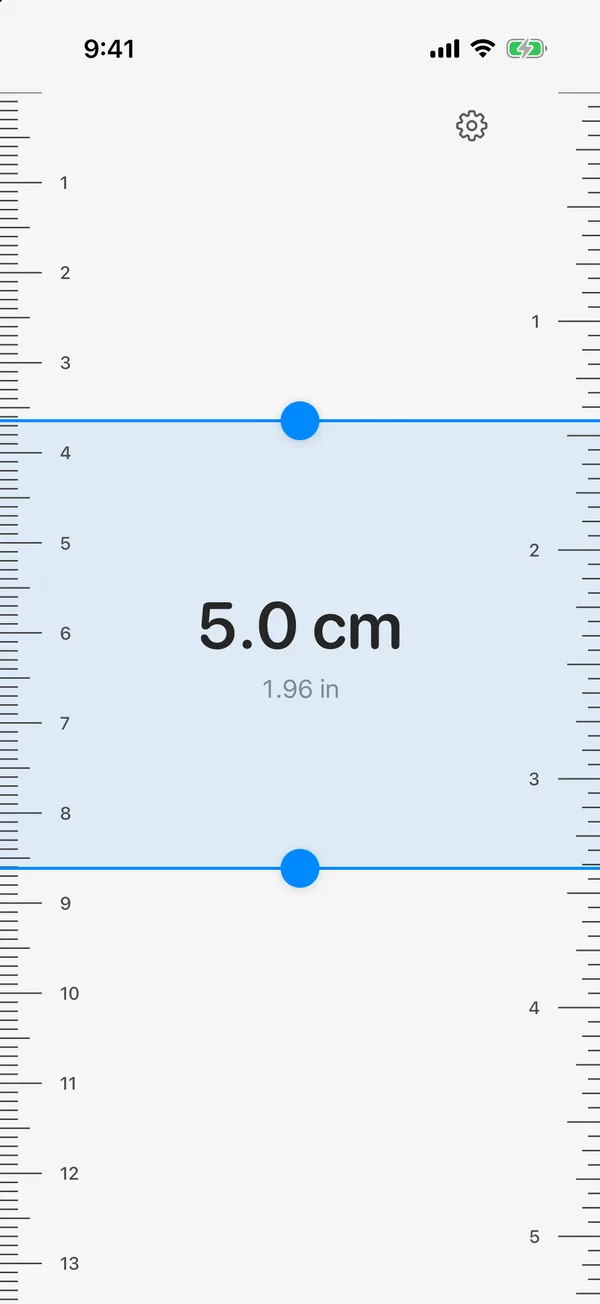
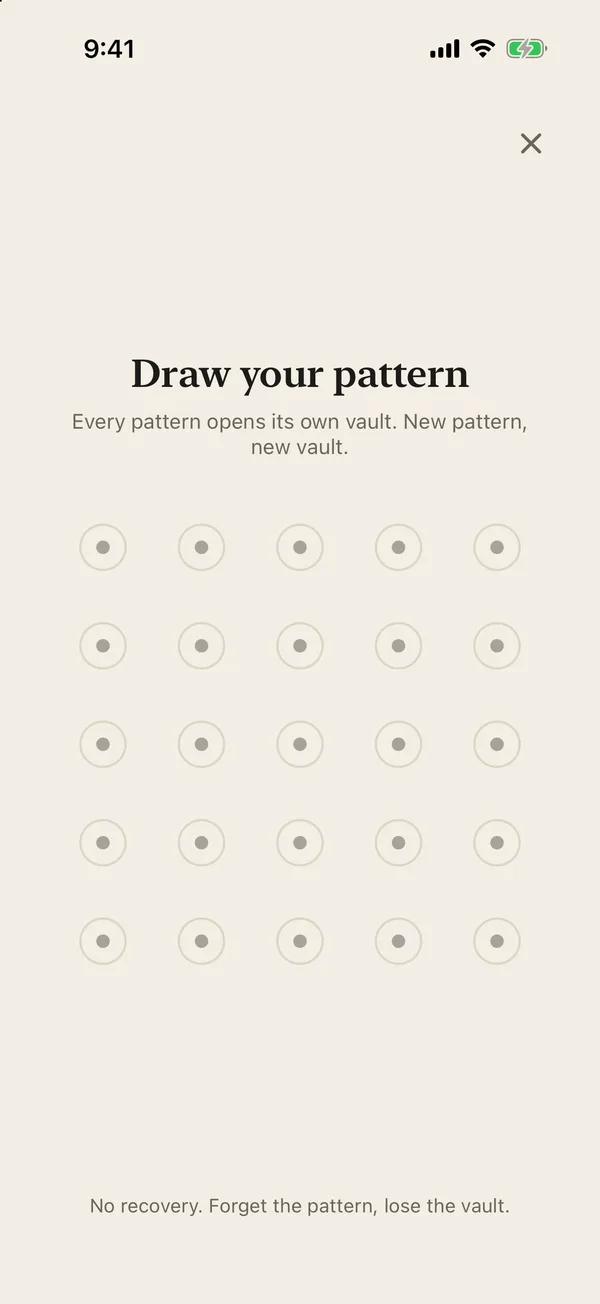
Two faces. Only one is ever on show.
A vault app announces that you have something to hide. Units does not. Anyone who picks up your phone finds a ruler, opens a ruler and measures with a ruler. The vault is not a hidden icon or a secret folder they can stumble on. It does not show up anywhere until you draw your pattern.
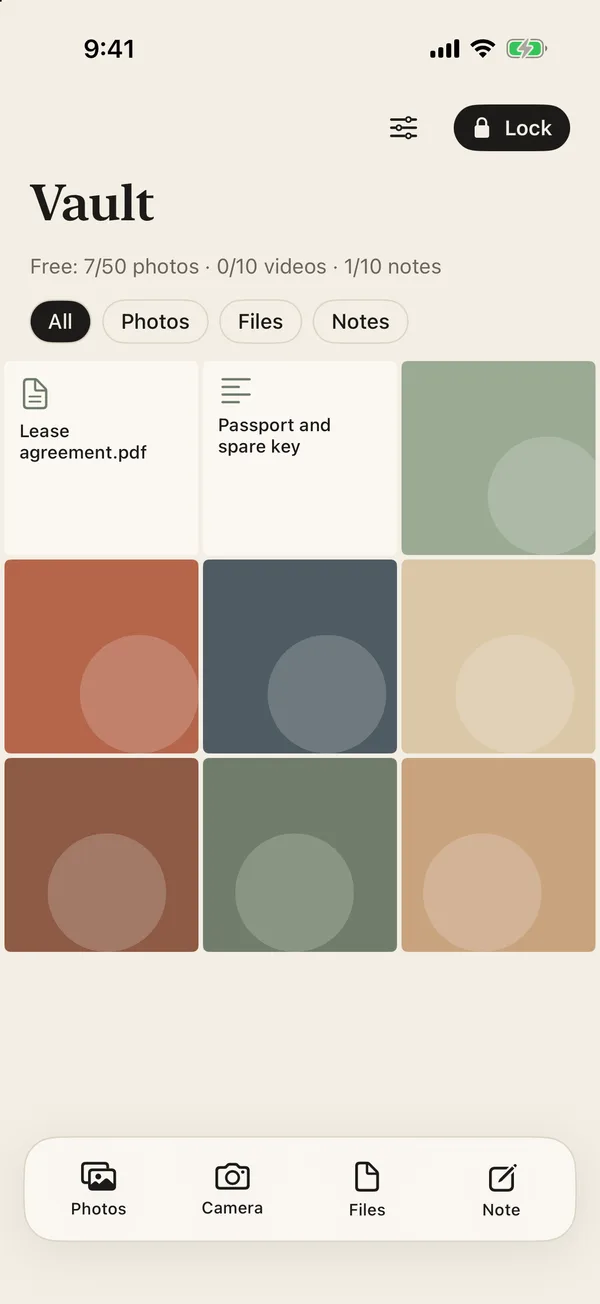
It lives inside your phone. Nowhere else.
There is no Units server, so there is nothing to hack, subpoena or leak. Your files are encrypted on your iPhone and never leave it.
Not a thief, not someone who knows your passcode, not us. The key is made from your pattern, on your phone, and it is never stored or sent anywhere.
No cloud copy, no sign-up, no email, no analytics. There is no account to break into because there is no account.
Every photo, video, file and note is encrypted with AES-256-GCM and stays on this iPhone. Nothing is uploaded, ever.
Not even a recovery key. The only clue is in your head.
Most vault apps keep a way back in: a recovery phrase, a reset email, a support desk that can unlock you. Every one of those is also a way in for someone else. Units removed all of them.
There is nothing to steal, guess from a backup or talk out of a support agent. The pattern is never written down by the app, so the only place it exists is your memory. Forget it and that vault is gone for good. That is the price of a vault nobody else can open, and it is why we tell you before you make one.
The way in is measured in taps.
Nothing in the app is labeled as a door. Here is the only path to your vault.
Open Units
A working ruler. This is all anyone else ever gets.
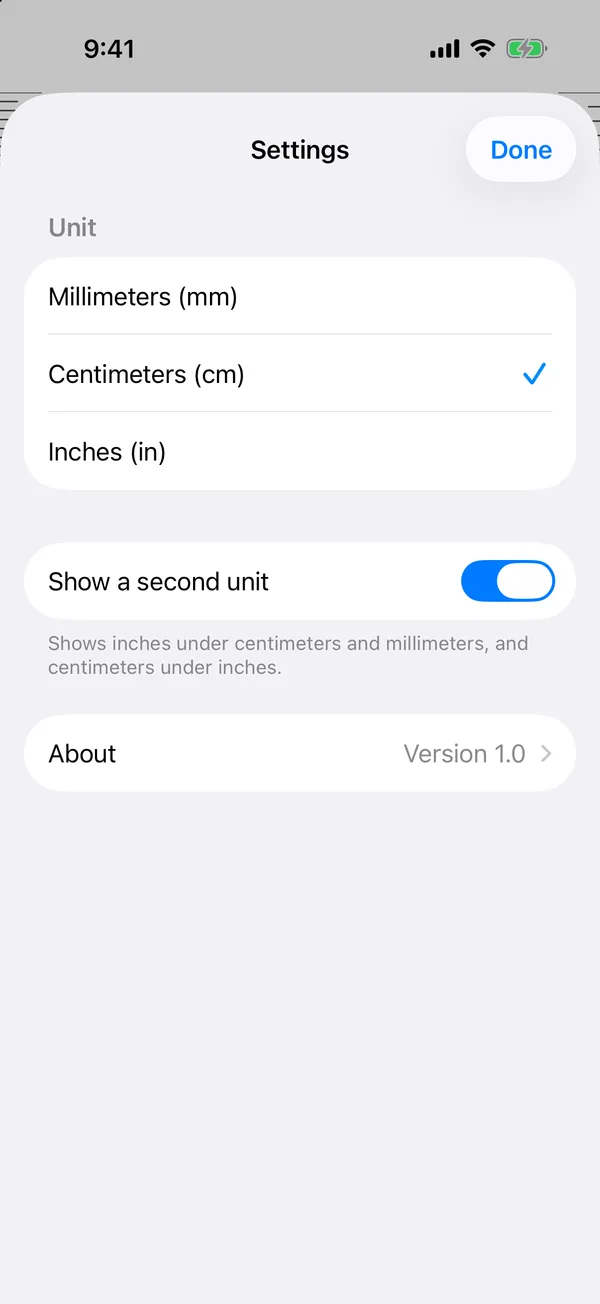
Gear, then About
Ordinary ruler settings. The About row at the bottom is the door.
Draw your pattern
At least four dots and one turn. A new pattern makes a new vault.
Your vault opens
Leave the app and it locks again. The ruler is back.
Specifications
- On the home screen
- A gray ruler icon named Units. Nothing says vault, lock, secret or private.
- When it opens
- A real on-screen ruler in millimeters, centimeters or inches. Drag two lines and measure.
- The way in
- Settings, then the plain About row at the bottom, then your pattern. Nothing is labeled as a door.
- Unlock
- A pattern on a 5 by 5 grid: at least four dots and one turn. Six dots is rated Safe, seven or more Perfect.
- Vaults
- As many as you like. Each pattern opens its own vault, and no screen ever lists them.
- What goes inside
- Photos, videos, documents and notes. Shoot straight into the vault with the in-app camera, or import from Photos, Files and Apple Notes.
- Leaving
- Switch apps or lock the phone and the vault closes. The app switcher shows the ruler.
- Emergency pattern (Pro)
- For when someone makes you open the app: it opens the vault you chose and erases every other vault.
- Encryption
- AES-256-GCM for every file. Keys come from your pattern through PBKDF2-HMAC-SHA512, 600,000 rounds.
- Recovery
- None. No recovery phrase, no reset email, no master key. The only clue is in your memory.
Free to start. Pay once, if ever.
- As many vaults as you like
- 50 photos, 10 videos and 10 notes per vault
- Secure camera, lock on leave
Pay once, keep it. No subscription and no renewals. A vault is something you trust for years, so Pro is a single purchase.
- Unlimited photos, videos and notes
- Emergency pattern
- Every future Pro feature
Pro Lifetime is a one-time purchase ($32.99 in the US; the App Store shows the price in your currency).
Coming to the App Store
Units is in App Store review. This page will link straight to the App Store as soon as it is approved.
Questions
Can you open my vault if I ask?
No. We never receive your pattern or your files. The keys are made on your iPhone from the pattern you draw. There is no master key and no back door, so there is nothing we could hand over.
What happens if I forget my pattern?
The vault is gone for good. Units has no recovery phrase, no reset email and no support override, so nobody can open it, including us. Choose a pattern you will remember, and open your vault now and then so it stays familiar.
How many vaults can I make?
As many as you like, on every plan. A vault limit would let someone drawing random patterns work out how many vaults you have, so there is none. Each vault has its own pattern and its own keys.
Is my data backed up?
Not yet. Version 1 keeps everything on your iPhone only. If you delete the app or lose the phone without a backup, the files are gone. Encrypted iCloud backup is planned and will be listed on the features page when it ships.
Do you track me?
The app has no account, no ads and no third-party analytics. See the privacy policy for the full list.
Guides
- Forgot Your Photo Vault Password? What You Can Still Do
Locked out of a photo vault app on iPhone? Steps to try before you lose anything, why secure vaults often cannot be reset, and how to avoid it next time.
- How to Lock Photos on iPhone So Only You Can Open Them
Lock individual photos on iPhone with Face ID, a locked note or a vault app with its own code. What each lock really protects, step by step.
- How to Hide Photos on iPhone (3 Ways, and Who Can Still See Them)
Hide photos on iPhone with the built-in Hidden album, a locked note, or a separate vault app, and learn which method still works when someone knows your passcode.